Guides
Your delivery code: why your rider asks for it
, 1 min read
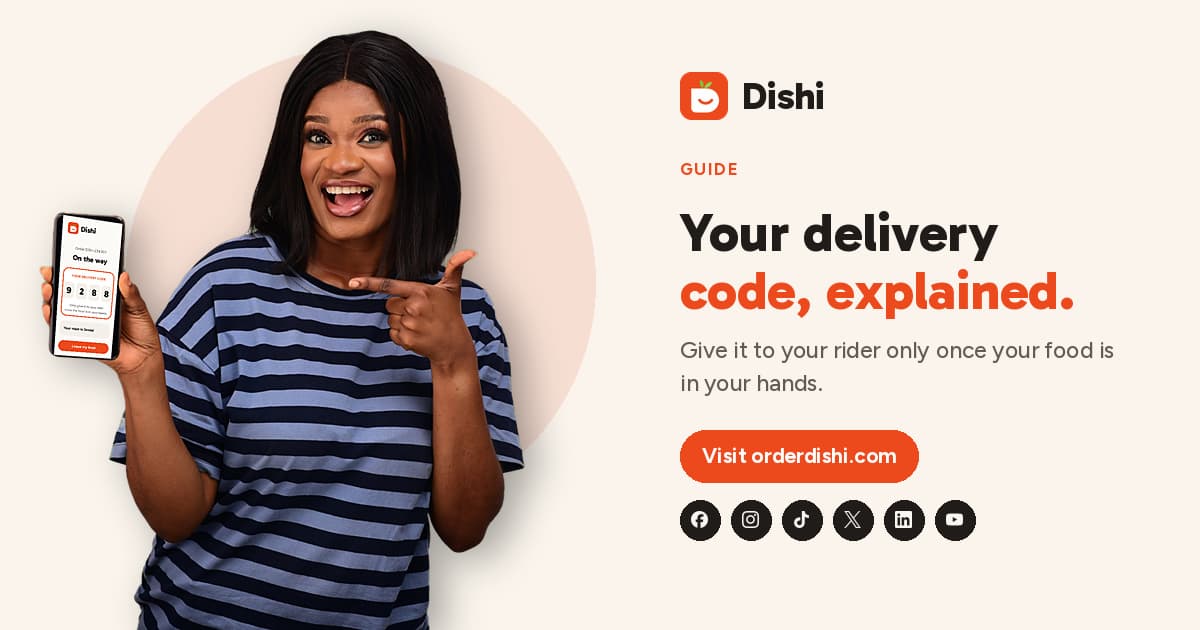
Every Dishi delivery comes with a 4-digit code. Here is what it is for, when to give it, and why it keeps your food and your money safe.
Every delivery on Dishi comes with a 4-digit code. You will find it on your order page as soon as your order is placed. It is the simplest way to make sure your food reaches you, and only you.
How it works
- Your code appears on your order page in Dishi.
- When your rider arrives, they ask you for it.
- They type it into their Dishi app. If it matches, the order is marked as delivered.
That is it. No signatures, no paperwork.
When to give it
Only give your code once the food is in your hands. Check you have the right bag and that nothing is missing first. Your code is your way of saying "yes, I have it".
If someone asks for your code before handing over your food, do not give it. Contact us on WhatsApp instead.
Why it keeps you safe
- The right person gets the food. A rider cannot mark an order as delivered without the code, so food cannot go to the wrong gate.
- Wrong guesses are stopped. After 3 wrong tries the code locks, and our team steps in.
- You stay in control. The order only counts as delivered when you say so.
Collecting instead?
Collection orders have a code too. Show it at the counter when you pick up your food, and the restaurant hands it over.
Keep it private
Your delivery code is not the same as your sign-in code. Dishi will never ask for your sign-in code, PIN or password by phone, SMS, WhatsApp or email. Only your rider asks for your delivery code, and only at your gate.